spolytics Help
  • spolytics.com
  1. User management
  2. Registering as a new user

Registering as a new user

  1. In the top right corner click on Register.
    register button

  2. Choose your username, enter your email address and a strong password.
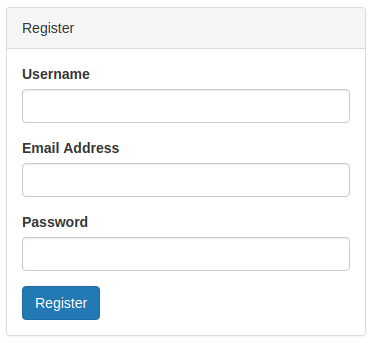
    register form

  3. Open your email account. You should have a new email from noreply@spolytics.com.

    register email

  4. Inside the email click on the button Confirm Email Address.
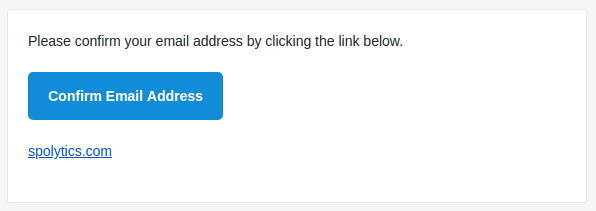
    register confirm button

  5. Your account is now verified. Use your username and password to log in.
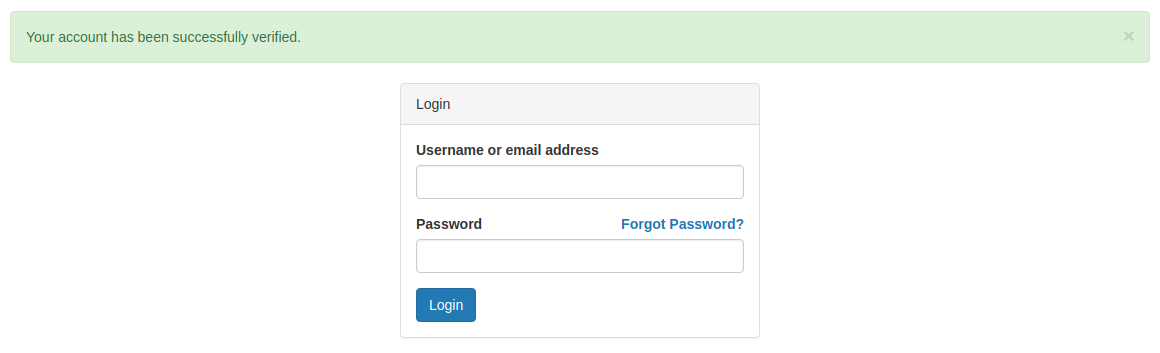
    register verified

Logging into your account
  • User management
    • Registering as a new user
    • Logging into your account
    • Requesting a new password
    • Logging out
  • Using spolytics
  • Analyzing a match
© 2018 spolytics. All rights reserved.